
Budget Kit · 28 Pages + Spreadsheet · Instant Download
Money Reset Budget Kit
Know where it goes. Decide where it goes next.
Two files that do different jobs. A calm planner PDF for the thinking: what money is for, what you owe, what renews, and one change each month. And a spreadsheet for the arithmetic: type each purchase once and every total works itself out.
Undated, start any month · Spreadsheet opens in Excel, Google Sheets and Numbers · Personal use
Pages from the file you download
Shown from the US Letter edition. The A4 edition has the same pages.
1 of 5
Page 1 of 28 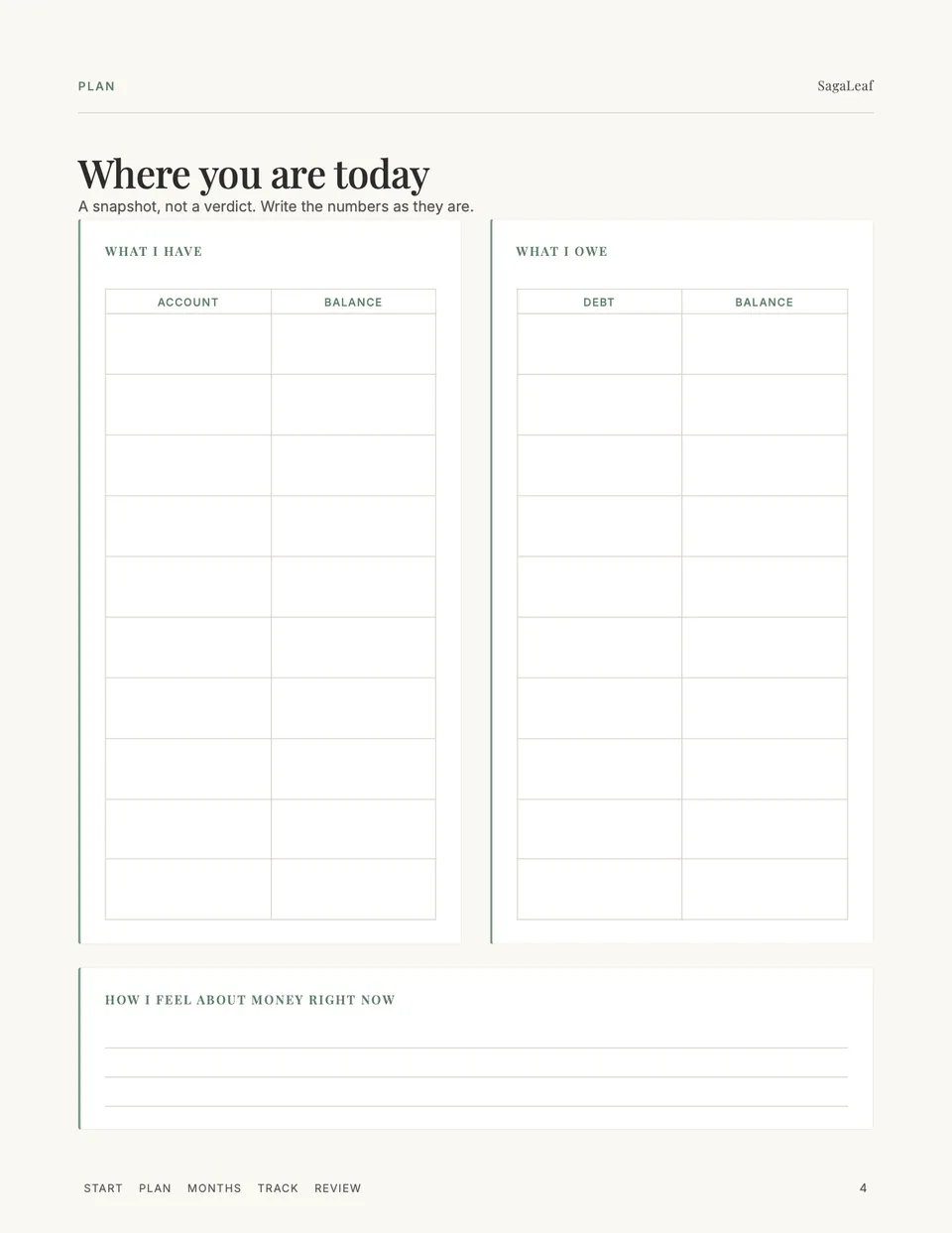
Page 4 of 28 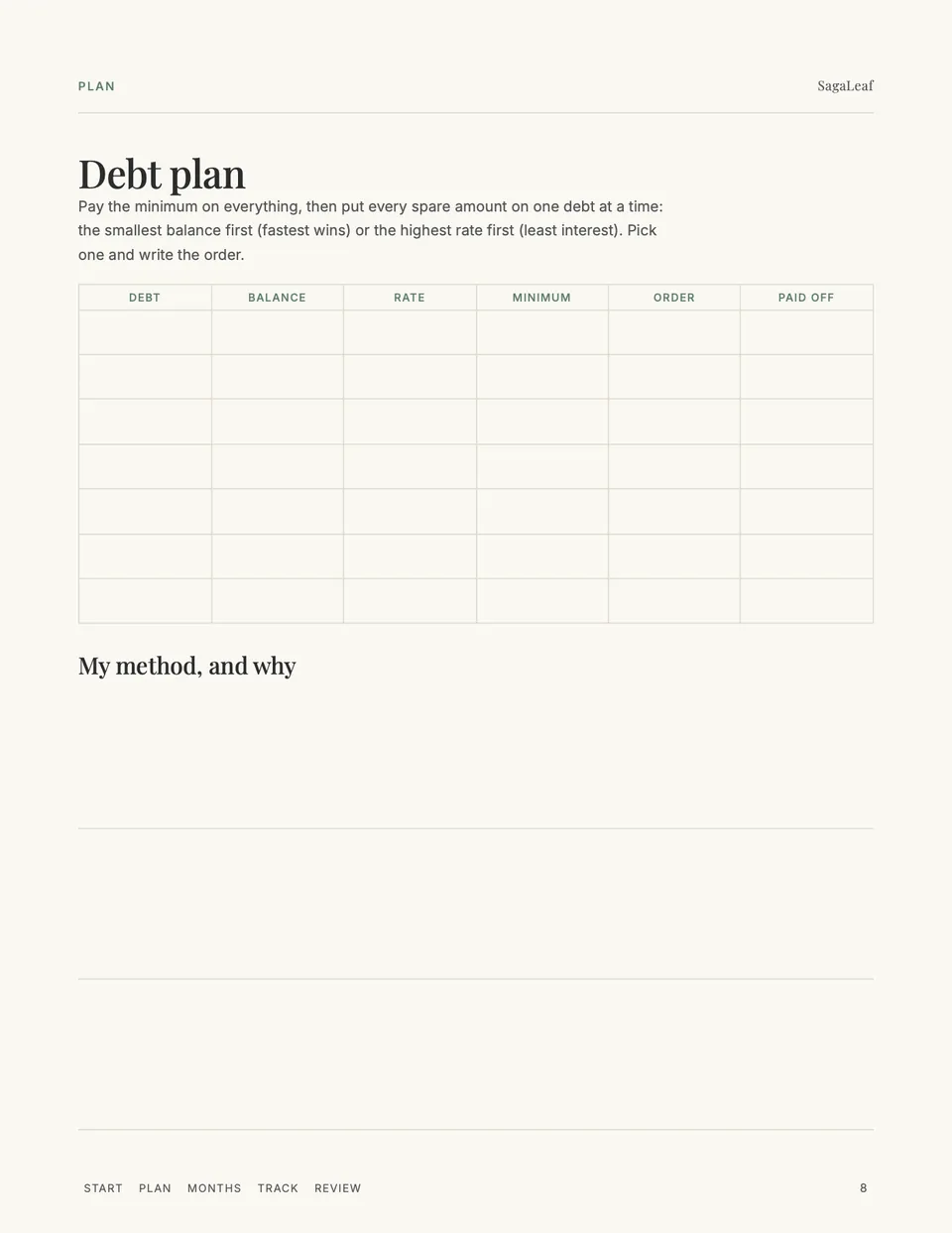
Page 8 of 28 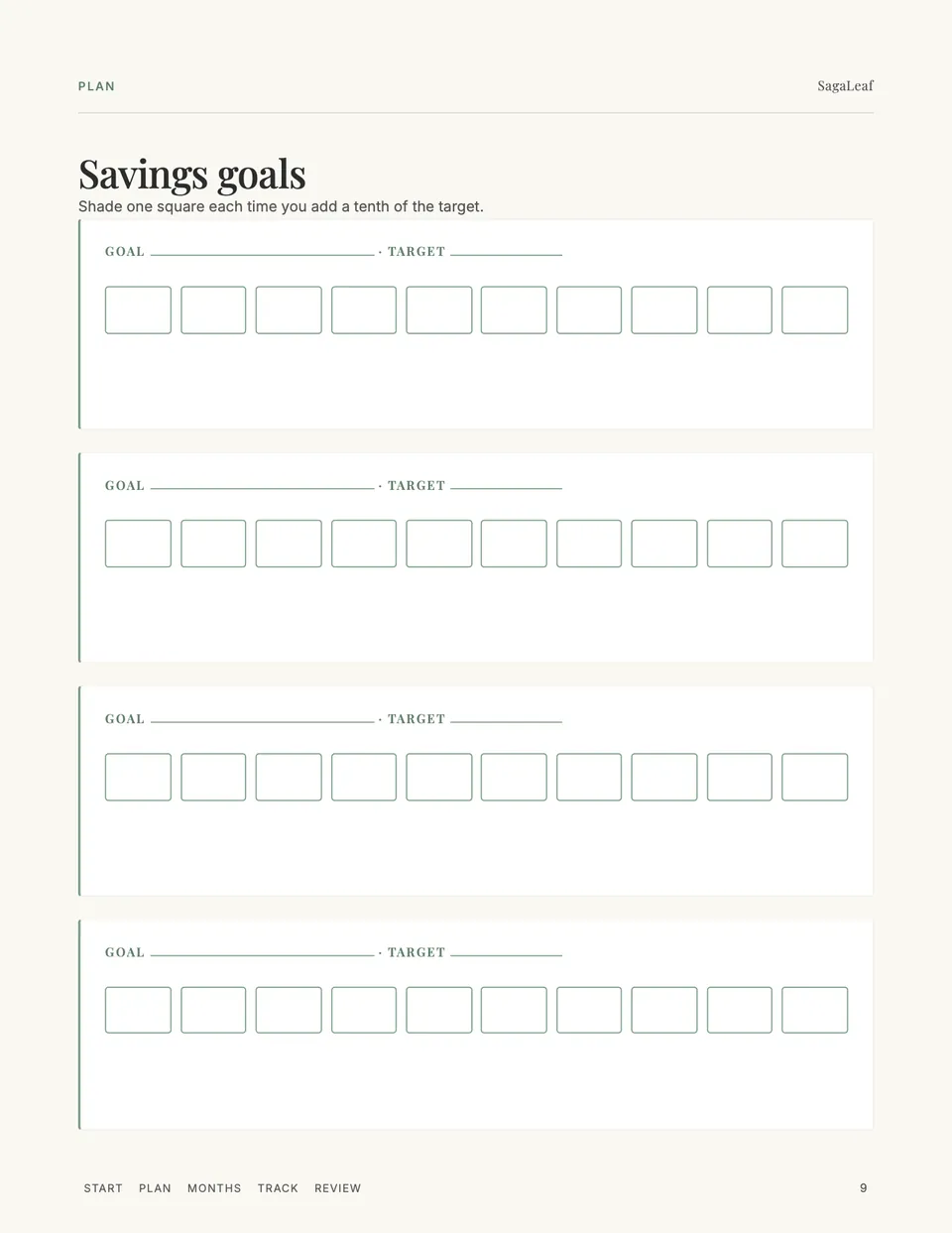
Page 9 of 28 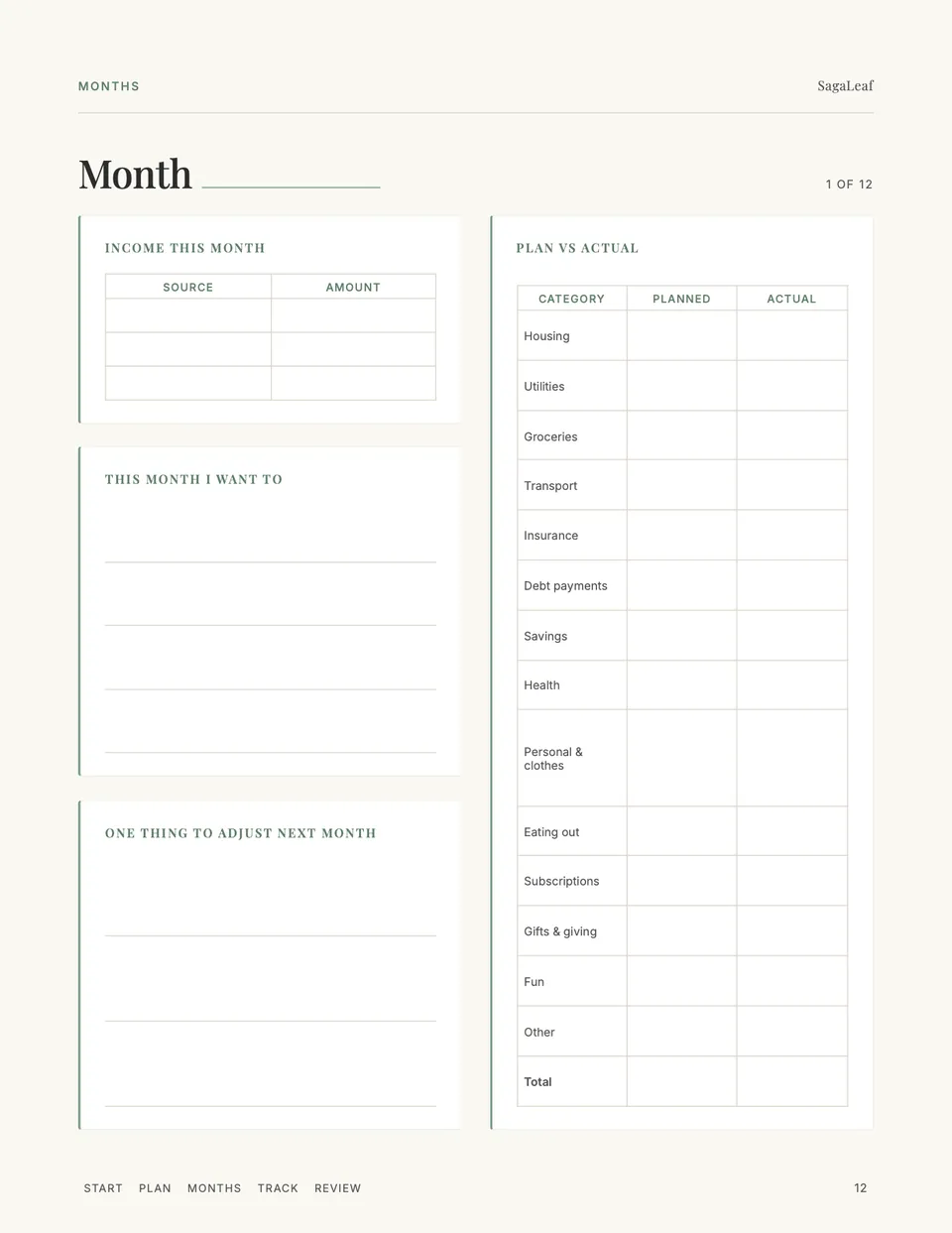
Page 12 of 28
What's in the PDF
28 pages in five hyperlinked sections.
- 1–3Cover, how the kit works, contentsTwo files, two jobs: the spreadsheet does the maths, the PDF does the thinking.
- 4–11PlanWhere you are today, what money is for, income and fixed bills, a subscriptions audit, a debt plan, savings goals, sinking funds, and your monthly budget.
- 12–23Twelve monthly pagesIncome, plan versus actual for all fourteen categories, what you want this month, and one thing to adjust.
- 24–26TrackA two-page spending log for weeks away from the spreadsheet, and thirty no-spend days.
- 27–28Year review and notesTotals from the spreadsheet, wins, and what you will do next year.
What's in the spreadsheet
Seven sheets. White cells are for typing; everything shaded is a formula.
- 1SetupYour income and a planned amount for each of fourteen categories. Rename any of them.
- 2TransactionsThe only typing: date, what, category (a dropdown), amount. The month works itself out.
- 3MonthlyWhat you spent in each category every month, and what is left of the plan. Overspent months are shaded.
- 4YearTotal income, total spent, what you kept and your savings rate.
- 5Savings goalsLog each contribution; the total, percentage and a ten-square bar update themselves.
- 6DebtsLog each payment; what you have paid and what remains update themselves, and paid-off debts say so.
- 7Sinking fundsYearly costs divided by twelve, so you know what to set aside each month.
How it is built
- You never add up a column: every total, balance and percentage is a formula
- The same fourteen categories in the PDF and the spreadsheet, so the two halves agree
- No currency symbol in the spreadsheet: it works in dollars, pounds or anything else
- Undated: write the month on each page and start whenever you are ready
The PDF is flat: write on it in GoodNotes or Notability, or print it (US Letter and A4 included). The spreadsheet is an .xlsx file: open it in Excel or Numbers, or import it into Google Sheets with File, then Import. It is a budgeting tool, not financial advice.
Not ready yet?
Try the free weekly planner and daily focus sheet first — the same calm layout, one page each.
A guide for getting started
- What Are Sinking Funds? A Worked Example
What sinking funds are, a starter list, and a worked example for the car, gifts and annual subscriptions, with the divide-by-twelve maths shown.